

Backup & Disaster Recovery
Backup and disaster recovery you have actually tested
The question is not whether you have a backup. It is how long you would be down, how much you would lose, and whether anyone has proved it.
- Priced
- Per user or device
- Coverage
- Herts, Essex, London
- Security
- Built in
- Since
- 2001
What is backup & disaster recovery?
Dig IT Solutions provides managed backup and disaster recovery for businesses across Hertfordshire and London: local and cloud backups for servers and files, independent backup for Microsoft 365, daily monitoring, regular test restores and a written continuity plan with recovery time and recovery point objectives agreed with you. The goal is that ransomware, hardware failure or human error becomes a recovery job with a known duration.
Problems we fix
The problems this service exists to solve
A backup nobody has restored from
The job says success every night. Nobody has tried to restore a file, let alone a server, so nobody knows how long recovery would take.
Microsoft 365 assumed to be covered
Deleted mailboxes, SharePoint libraries and Teams files are gone after Microsoft's retention window, and OneDrive happily syncs encrypted files to the cloud.
One copy, in the same building
A USB drive plugged into the server is not protected from fire, theft or ransomware that encrypts everything it can reach.
No plan for the first hour
Staff do not know who to call, which systems matter most, or how to work while recovery happens.
Scope
What is included
Server and file backup
Image-based backups of servers and critical machines to a local appliance for fast restores, replicated to the cloud for protection against site loss and ransomware.
Microsoft 365 backup
Independent, automated backup of Exchange mailboxes, OneDrive, SharePoint and Teams with retention you control and granular restore of a single email or file.
Daily monitoring
Every backup job is checked daily. Failures are investigated and fixed, not just logged, and you receive regular reporting.
Test restores
Scheduled restore tests of files and full systems, timed and documented, so recovery time objectives are evidence rather than guesses.
Ransomware-resilient design
Separated credentials, retention that survives deletion, and immutable or offline copies where the risk justifies it.
Business continuity planning
A plain-English plan covering critical systems, RTO and RPO per system, who does what, how staff keep working, and how communications continue.
In more detail
Backup & Disaster Recovery: specific services
Outcomes
What changes for the business
- A known recovery time for each system, tested rather than assumed
- Microsoft 365 data recoverable beyond Microsoft's retention windows
- Protection from ransomware, site loss and accidental deletion
- A first-hour plan staff can follow without the IT provider on the phone
Proof
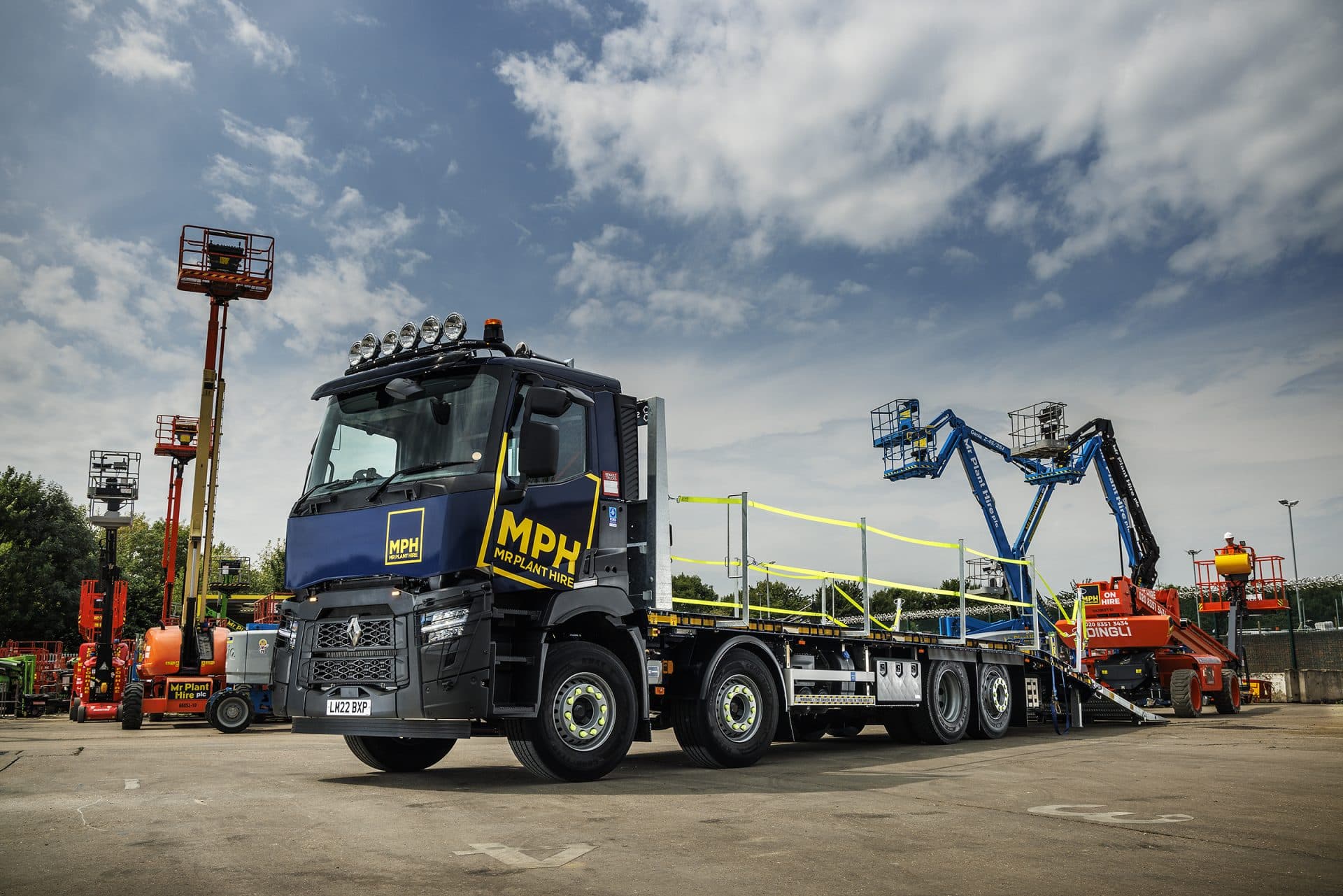
Mr Plant Hire: one IT partner across every depot for over 15 years
Mr Plant Hire is a plant and tool hire business established in 1981 and headquartered in Enfield, operating from multiple depots. Dig IT Solutions has provided its complete IT function for more than fifteen years, growing the network, security and cloud platform as the company expanded.
- 15+
- Multi-depot
- M365
- EDR
FAQ
Questions we are asked
What is the difference between backup and disaster recovery?
How often should a business back up?
Does Microsoft 365 need a separate backup?
How quickly could you recover our server?
Do you help with ransomware recovery?
Insights
Reading on backup & disaster recovery
Backup & Continuity
Backup vs disaster recovery: what's the difference, and why you need both
Backups copy your data. Disaster recovery gets your business running again. Learn the difference, what RPO and RTO mean, and the Microsoft 365 backup gap.
Microsoft 365 & Cloud
Does Microsoft 365 back up your data? What Microsoft actually covers
Microsoft 365 keeps the service running but does not back up your data. What retention actually covers, where it stops, and why UK SMEs add third-party backup.
Backup & Continuity
The 3-2-1 backup rule explained (and why immutable backups matter now)
The 3-2-1 backup rule: three copies, two media, one off-site. What it means for a UK SME, how ransomware changed it, and why one copy must now be immutable.
Next step
Not sure how exposed you are?
An IT health check reviews your security, backups, Microsoft 365 and network and gives you a prioritised list, whether or not you work with us afterwards.